The Essential Guide to Choosing and Using a Twitch Overlay Live Stream
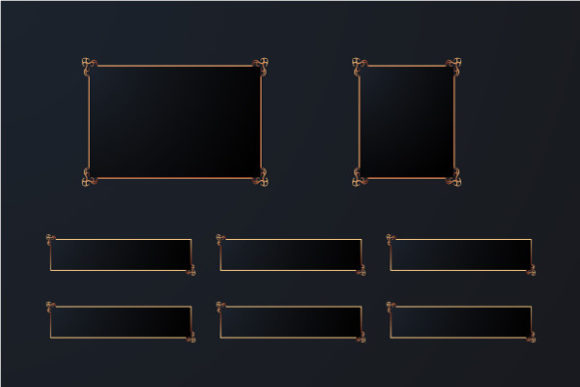
For many streamers, the journey to a professional-looking broadcast begins with a solid desktop gaming PC setup. Yet, one of the most visually impactful and surprisingly overlooked elements is the Twitch overlay live stream. These overlays are the graphical frameworks that sit on top of your gameplay or screen capture, displaying crucial information like your recent followers, current chat, alerts, and branding. They are the digital stage dressing that transforms a raw feed into a polished production, essential for channels on Twitch, YouTube, or Facebook Gaming.
Why Overlays Matter More Than You Might Think
An overlay isn't merely decoration. It serves as a functional interface for your audience, guiding their attention and providing context. A well-designed Twitch overlay live stream package communicates professionalism, establishes your channel's identity, and enhances viewer engagement. Conversely, a cluttered, mismatched, or poorly integrated overlay can distract from your content, confuse newcomers, and subtly undermine your credibility. The goal is to complement your stream, not compete with it.
The Common Pitfall: Choosing Design Over Function
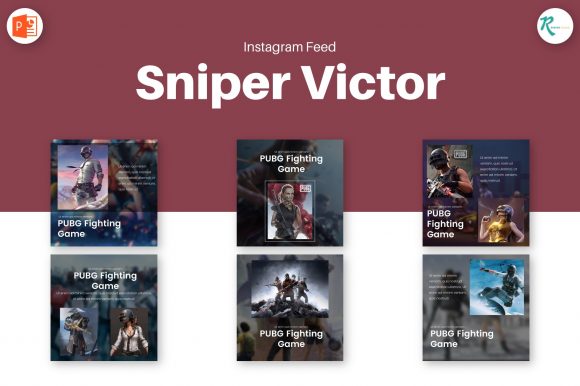
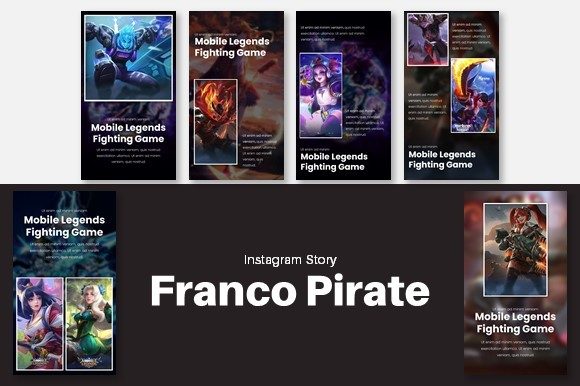
A frequent mistake is selecting an overlay based purely on its aesthetic appeal in a preview image, without considering its practical application. You might fall for a dazzling, complex design full of animated elements and flashy graphics. However, once applied, you may find it obscures critical game UI elements, like health bars or minimaps, in the actual game you're streaming. The overlay that looked perfect in the promotional art suddenly renders your gameplay unintelligible.
The corrective approach is to always visualize the overlay in your specific context. Before committing to a purchase or download, ask yourself: Where will my gameplay window be? What information do I *need* to display? Will this design work for both a full-screen game and a webcam camera feed? A better choice is to opt for modular overlays where you can hide and show some layers. This flexibility allows you to disable certain panels during intense gameplay moments, ensuring your content remains the star.
Navigating the Myth of "One-Size-Fits-All"
Another misunderstanding is treating a Twitch overlay live stream package as a final, unchangeable product. Many beginners download a template, plop it into their broadcasting software, and never adjust it. This leads to a generic look where your channel feels no different from dozens of others using the same popular free overlay. The text might read "Welcome to My Stream" in a font and color that clashes with your personal brand.
The reality is that quality overlay packages are built for customization. The phrase "very easy to edit, like changing colors, moving elements" should be a core requirement in your selection criteria. Seek out designs offered in layered file formats (like for Photoshop or GIMP) or with dedicated browser-based editors. This allows you to change colors to match your logo, reposition the alert box to a less intrusive corner, and most importantly, edit all text to reflect your unique channel tone. Personalizing these details is what turns a template into your branded asset.
The Oversight of Technical Compatibility and Performance
A technically overlooked detail is how an overlay impacts your stream's performance and setup complexity. An overlay laden with high-resolution images and scripts for complex animations can, in some cases, add load to your broadcasting software. For streamers already pushing their PC's limits with a high-quality game encode, this extra burden can introduce instability or frame drops.
Practical advice is to check the overlay's specifications and recommended software. Does the creator mention it's optimized for OBS Studio, Streamlabs Desktop, or Twitch Studio? Are the file sizes reasonable? Before using it, test the overlay in your broadcasting software during a local recording, monitoring for any performance hiccups. Often, simpler, cleanly coded overlays are more reliable and easier to manage, leading to a smoother broadcast and less technical frustration during your live stream.
Achieving Cohesion in Your Complete Desktop Gaming PC Setup
Your Twitch overlay live stream should not exist in isolation. It is part of a visual ecosystem that includes your profile art, camera frame, offline screen, and panel banners. A common error is piecing together these elements from disparate sources, resulting in a channel page that looks disjointed—a medieval fantasy overlay paired with a minimalist modern avatar.
The better approach is to think in terms of a complete visual package. Many designers offer bundle packs that include matching overlays, profile banners, logos, and icons. Investing in such a bundle ensures a cohesive aesthetic across your entire channel. This uniformity strengthens brand recognition and presents a professionally curated space to your viewers, making your complete desktop gaming PC setup feel intentionally designed from the gameplay capture to the channel homepage.
The Trap of Over-Complication and Viewer Fatigue
In an effort to stand out, some streamers layer multiple animated alerts, constantly updating social media feeds, and scrolling news tickers onto their stream. This creates a visual cacophony that can fatigue viewers. The core content—your gameplay or commentary—gets lost in a barrage of flashing graphics.
To avoid this, adopt a principle of subtractive design. Start with the full overlay and critically assess each element. Is the recent follower list essential to display continuously? Could it be shown only during pauses? Can the social media feed be simplified? Use the ability to hide and show some layers dynamically. Your default stream view should be clean and focused. Save the more elaborate, information-rich scenes for specific moments like starting, ending, or breaks. This mindful application improves usability and keeps the viewer's attention where you want it.
Ultimately, selecting and implementing a Twitch overlay live stream is about making informed, intentional choices that serve your content and your audience. By prioritizing functionality alongside design, embracing customization to obtain unique results, ensuring technical harmony with your setup, and striving for cohesive simplicity, you elevate your stream from a simple broadcast to a compelling, professional presentation. It's a powerful step in completing not just your desktop gaming PC setup, but your channel's identity.